Version 2.0, free on Android and the web

Collimation practice for radtech students

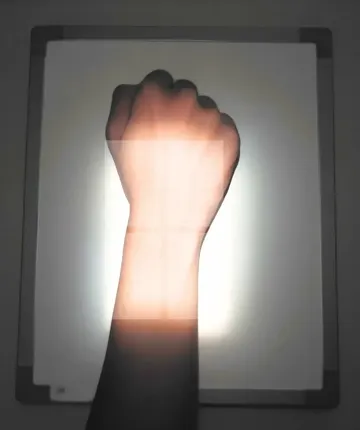
Set the collimator on real positioning photographs for 24 upper-limb projections. ALARP scores each field against its target and shows where the central ray landed.

Saved offlineWrist PA
Field matches the target: 94.8%

The collimation studio. Every field gets a score.

Pick a projection, drag the four blades around the anatomy and evaluate. ALARP compares your field with the target and saves the attempt.

Study, practise and test in one app. Your progress stays on the phone.

Shows the steps for each projection

IR size, orientation, patient position, part position and central ray, following Bontrager’s positioning textbook.

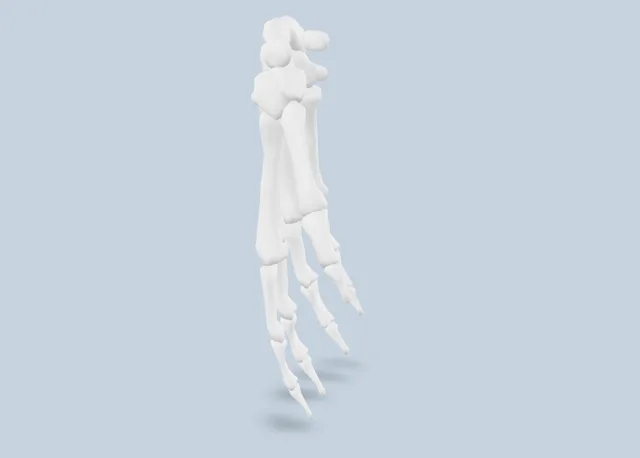
Turns each bone in 3D

Rotate models of the hand, wrist, forearm, elbow, humerus and shoulder to see what the beam passes through.

A 3D model of the bones of the hand, seen from the palm side

Times you over 10 rounds

The challenge gives you 10 minutes for 10 projections. Each round asks for the position, IR size, orientation, patient position and field.

Keeps your history on the phone

Practise as a guest, even offline. Create an account later to sync your attempts and join the daily leaderboard.

24 projections, hand to shoulder. Each with its own target field.

  • Hand

    PA, PA oblique, Lateral, Norgaard (ball-catcher)

    4
  • Wrist

    PA, AP, Lateral, PA oblique, AP oblique, Radial deviation, Ulnar deviation

    7
  • Forearm

    AP, Lateral

    2
  • Elbow

    AP, AP oblique, lateral, AP oblique, medial, Lateral

    4
  • Humerus

    AP upright, Lateral upright

    2
  • Shoulder

    AP external, AP neutral, AP internal, Transthoracic lateral, Scapular Y

    5
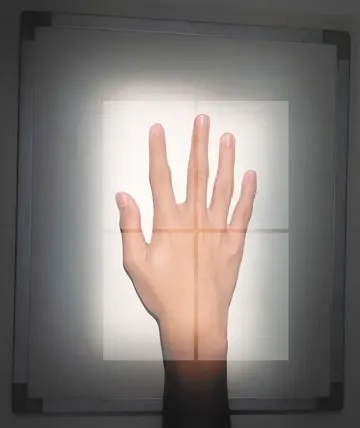
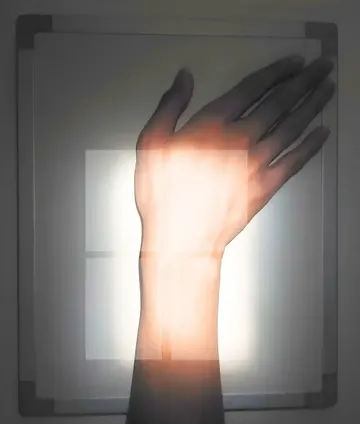
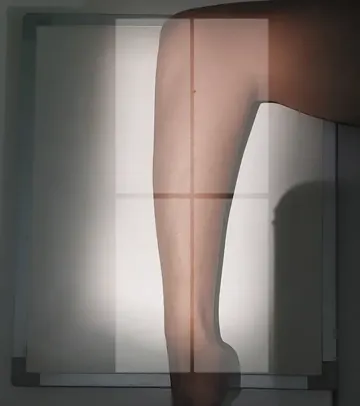
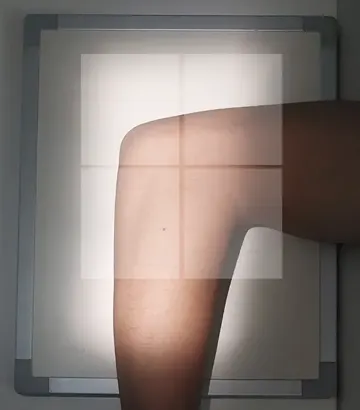
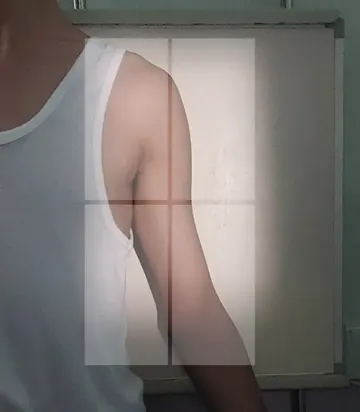
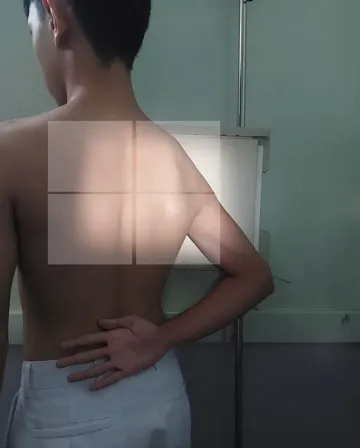
A hand laid flat on an image receptor under the collimator lightA wrist in ulnar deviation on an image receptor under the collimator lightA forearm in lateral position on an image receptorAn elbow bent at a right angle on an image receptorAn upper arm against an upright image receptorA shoulder turned for the scapular Y view against an upright receptor

Runs in your browser. The same app, nothing to install.

This is the Android app built for the web. The first load is about 9 MB.

  1. Open Practice and pick a projection.
  2. Drag the blades over the anatomy.
  3. Press Evaluate & Save Collimation.

Questions students ask

Everything you need to know about positioning practice, textbook curriculum, and offline access.

Three students studying radiologic positioning together with ALARP

Is ALARP free?

Yes. The web demo and the Android app are both free.

Do I need an account?

No. Guest mode opens every lesson, practice and challenge. An account adds sync between devices and the leaderboards.

Does it work offline?

Yes, on Android. Lessons, targets and your attempts live in a database on the phone and upload when you are back online.

Which body parts does it cover?

The upper limb: hand, wrist, forearm, elbow, humerus and shoulder, 24 projections in all.

Which textbook does it follow?

Positioning steps, IR sizes and central rays follow Bontrager’s Textbook of Radiographic Positioning and Related Anatomy, 10th edition.

Is there an iPhone app?

No. On an iPhone or iPad, use the web demo in the browser.

Does it replace clinical instruction?

No. ALARP is a study aid. Positioning real patients is learned with a clinical instructor.

How do I delete my account?

In the app, open Profile and choose Delete My Account. Without the app, send a deletion request.